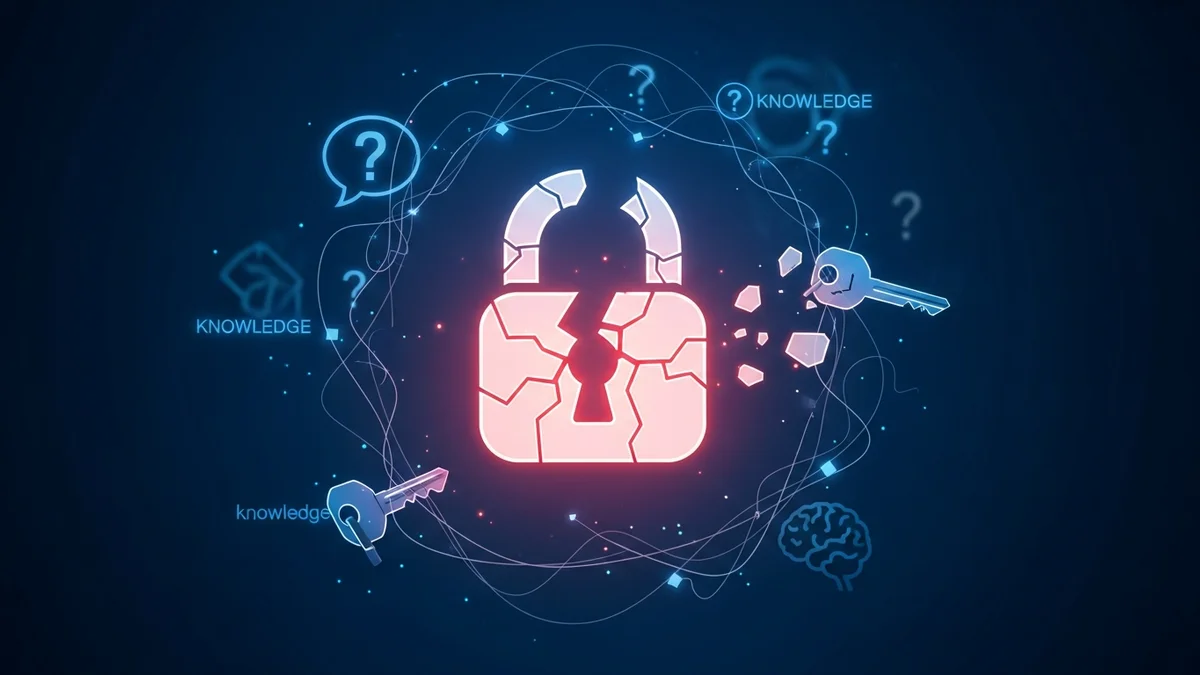
Security questions were once considered a simple and reliable way to protect online accounts. “What’s your mother’s maiden name?” “What was your first pet’s name?” For years, these prompts acted as backup authentication when users forgot their passwords.
Today, security questions are widely recognized as a cybersecurity failure. In an era of massive data breaches, oversharing on social media, and easily searchable public records, the answers to these questions are often neither secret nor secure.
If you still rely on security questions to protect your accounts, it’s time to understand why they fail—and what to use instead.
Security Questions Are Not Truly Secret
The core assumption behind security questions is that the answers are private. In reality, many answers are either publicly available or easily discoverable.
Consider common questions:
- What city were you born in?
- What high school did you attend?
- What is your mother’s maiden name?
- What was your first car?
Much of this information can be found through:
- Social media profiles
- Public records databases
- Genealogy websites
- Old data breach dumps
- Simple Google searches
Attackers don’t need sophisticated hacking tools. They just need patience and publicly available information. In fact, security researchers have repeatedly demonstrated how easy it is to guess or research these answers for public figures—and ordinary users are often even less cautious about what they share online.
If an answer can be discovered without hacking, it is not a secure authentication factor.
Data Breaches Have Exposed Millions of “Secret” Answers
Even when answers aren’t publicly searchable, they may already be exposed in past breaches.
Major companies have suffered data breaches that included password reset questions and answers. In 2015, for example, attackers compromised over 500 million Yahoo accounts across multiple incidents. Among the exposed data were security questions and answers—some stored in plain text.
Once this information is leaked, it cannot be “re-secured.” Unlike passwords, which can be changed, your mother’s maiden name or birthplace generally cannot.
This creates a dangerous ripple effect:
- An attacker obtains your security answers from one breached service.
- They attempt password resets on other platforms.
- If you reused the same answers, they gain access.
Credential reuse is already a major issue with passwords. Reusing security question answers multiplies that risk. Tools like LeakDefend can monitor your email addresses for breach exposure, alerting you when your data appears in leaked databases—giving you a chance to secure accounts before attackers exploit them.
They Rely on Low-Entropy, Guessable Information
Strong security depends on high entropy—unpredictable, random information. Security questions do the opposite. They rely on limited, structured answers.
For example:
- The list of common pet names is surprisingly small.
- Popular first cars cluster around a few models.
- Many people share the same birthplace or favorite sports team.
Attackers use automated scripts and probability models to guess the most common answers first. Research has shown that attackers can guess a significant percentage of security question answers within just a few attempts.
In some studies, common security questions had effective entropy equivalent to a weak 6-character password. That’s nowhere near modern security standards.
Social Engineering Makes Them Even Weaker
Security questions are especially vulnerable to social engineering.
Scammers often impersonate tech support, banks, or even friends to trick users into revealing personal information. What seems like harmless small talk—“Oh, you grew up in Chicago?”—can become the missing piece needed to reset your account.
Phishing attacks frequently target this type of data. Instead of asking directly for passwords, attackers collect background information over time. Once they gather enough answers, they bypass password reset systems entirely.
This method is particularly dangerous because it doesn’t trigger traditional security alerts. From the system’s perspective, the attacker answered correctly.
They Punish Privacy-Conscious Users
Ironically, users who value privacy often struggle with security questions.
If you:
- Avoid posting personal details online
- Use different variations of answers
- Create fictional responses for safety
You may forget what you entered months or years later. Unlike passwords stored in a password manager, security question answers are rarely managed systematically.
This leads to account lockouts and frustrating recovery processes. As a result, many users revert to simple, truthful, and consistent answers—making them easier to guess.
It’s a lose-lose system: either you make answers memorable (and guessable), or secure (and forgettable).
What to Use Instead of Security Questions
Modern cybersecurity best practices have moved beyond knowledge-based authentication. Safer alternatives include:
- Multi-factor authentication (MFA): Using an authenticator app or hardware key dramatically reduces account takeover risk.
- Password managers: Generate and store long, unique passwords for every account.
- Passkeys: Cryptographic authentication tied to your device, resistant to phishing.
- Biometrics: Fingerprint or facial recognition as a secondary factor.
If a service still requires security questions, consider using randomly generated answers stored in your password manager instead of truthful ones. Treat them like secondary passwords—not biographical facts.
Equally important is monitoring your exposure. Services like LeakDefend.com let you check all your email addresses for free and alert you when your data appears in new breaches. The faster you know about leaked information, the faster you can secure vulnerable accounts.
The Bottom Line: Knowledge-Based Authentication Is Obsolete
Security questions were designed for a simpler internet—one without social media oversharing, massive breach databases, and automated credential-stuffing tools.
Today, they represent an outdated form of authentication built on flawed assumptions:
- That personal information is private
- That answers are unguessable
- That breached data doesn’t circulate forever
None of those assumptions hold true anymore.
If your accounts still rely on security questions, treat them as a weak link. Strengthen your security with MFA, unique passwords, and proactive breach monitoring. In a threat landscape where billions of credentials are exposed every year, relying on your childhood memories to protect your digital life is simply not enough.
🔒 Check If Your Email Was Breached — Monitor up to 3 email addresses for free with LeakDefend. Start Your Free Trial →
Cybersecurity has evolved. Your account protection should too.