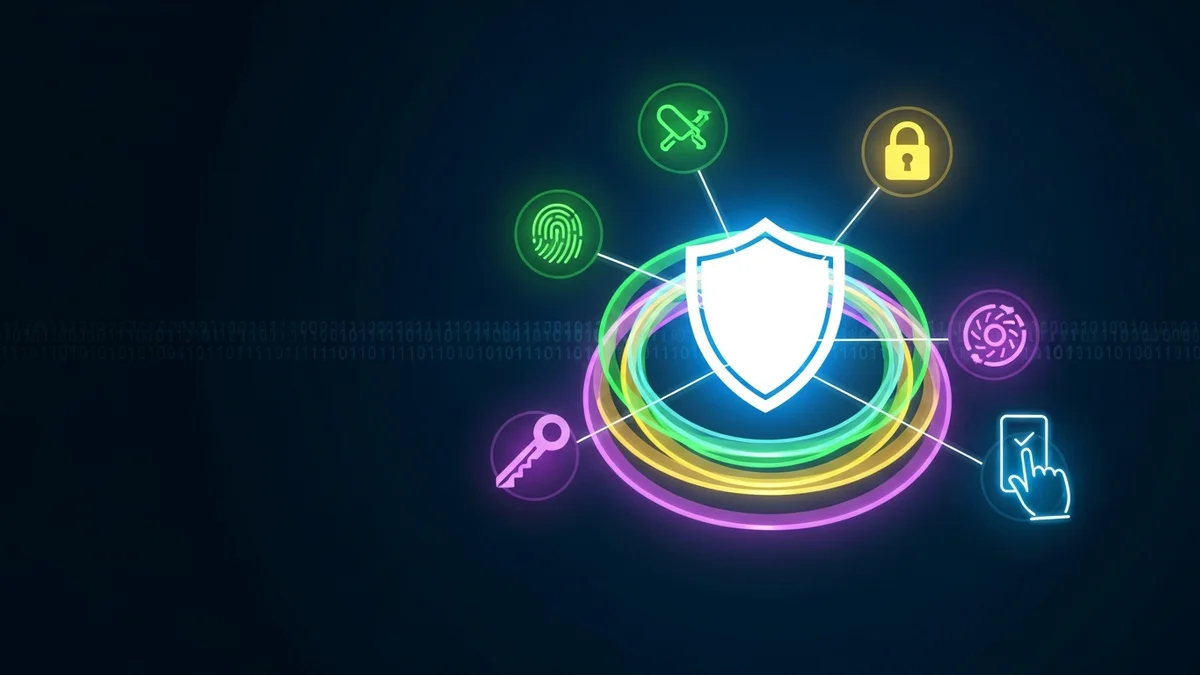
Passwords alone are no longer enough to protect your online accounts. With billions of leaked credentials circulating on the dark web, cybercriminals can test stolen usernames and passwords against banking apps, email platforms, and social media accounts in seconds. That’s where Multi-Factor Authentication (MFA) comes in. MFA adds an extra layer of protection that makes it dramatically harder for attackers to break into your accounts—even if they already have your password.
In a world where major companies like LinkedIn, Facebook, and Yahoo have suffered massive data breaches affecting hundreds of millions of users, understanding MFA is no longer optional. It’s essential.
What Is Multi-Factor Authentication?
Multi-Factor Authentication (MFA) is a security process that requires users to provide two or more forms of verification before accessing an account. Instead of relying solely on something you know (like a password), MFA combines multiple authentication factors from different categories.
These factors typically fall into three groups:
- Something you know: Passwords, PINs, security questions
- Something you have: A smartphone, hardware token, authentication app
- Something you are: Fingerprint, facial recognition, voice pattern
For example, after entering your password, you might receive a one-time code via an authenticator app or be prompted to scan your fingerprint. Even if a hacker has your password, they likely won’t have access to your phone or biometric data.
This layered approach dramatically reduces the risk of unauthorized access.
Why Passwords Alone Are No Longer Safe
Passwords are vulnerable for several reasons. First, many people reuse them across multiple accounts. According to a Google study, over 60% of people reuse passwords across sites. If just one service suffers a breach, attackers can attempt the same credentials elsewhere—a tactic known as credential stuffing.
Second, billions of leaked credentials are already available on cybercriminal forums. The "Collection #1" breach alone exposed over 773 million email addresses and 21 million passwords. These databases fuel automated attacks that run 24/7.
Even strong passwords can be compromised in phishing attacks. If you unknowingly enter your login details into a fake website, attackers can immediately use them on the real platform.
This is why monitoring your exposure matters. Tools like LeakDefend can monitor your email addresses for known data breaches, helping you act quickly if your credentials are exposed. But even if your password leaks, MFA can stop attackers from getting in.
How Multi-Factor Authentication Stops Attackers
MFA works because it adds friction for unauthorized users while keeping legitimate access relatively simple.
Microsoft reports that enabling MFA can block over 99.9% of automated account compromise attacks. That’s an enormous reduction in risk from a simple security step.
Here’s how MFA prevents common attacks:
- Credential stuffing: Stolen passwords are useless without the second factor.
- Phishing: Even if a password is captured, attackers still need your authentication code or biometric approval.
- Brute-force attacks: Guessing a password isn’t enough to gain entry.
Modern authentication apps generate time-based one-time passwords (TOTPs) that expire within 30 seconds. Hardware security keys go even further by requiring physical possession of a registered device.
While SMS-based codes are better than no MFA, they are more vulnerable to SIM-swapping attacks. Whenever possible, use an authenticator app or hardware key instead.
Common Types of MFA You Can Use Today
Most major platforms—including Google, Apple, Microsoft, Facebook, and financial institutions—support MFA. The most common options include:
- Authenticator apps: Apps like Google Authenticator or Microsoft Authenticator generate secure time-based codes.
- Push notifications: A prompt is sent to your phone asking you to approve or deny login attempts.
- Hardware security keys: Physical devices such as YubiKey provide highly secure login verification.
- Biometric authentication: Fingerprint and facial recognition built into smartphones and laptops.
- SMS verification: One-time codes sent via text message (less secure but widely used).
For maximum protection, prioritize authenticator apps or hardware keys over SMS.
Why MFA Matters More After a Data Breach
Data breaches are no longer rare events. In recent years, billions of records have been exposed across industries—from healthcare providers to streaming services. Once your email and password are leaked, they can circulate indefinitely.
This creates long-term risk. Years after a breach, attackers may still attempt to log in using old credentials. If you’ve reused that password elsewhere and haven’t enabled MFA, those accounts remain vulnerable.
That’s why a proactive approach works best:
- Enable MFA on all critical accounts (email, banking, cloud storage, social media).
- Use unique passwords for every service.
- Regularly check whether your email appears in breach databases.
LeakDefend.com lets you check all your email addresses for free and monitor them continuously for new exposures. Combined with MFA, this creates a strong defense against account takeover and identity theft.
Best Practices for Using MFA Effectively
Simply turning on MFA isn’t enough—you need to configure it correctly.
- Store backup codes securely: Save them in a password manager or secure offline location.
- Enable MFA on your primary email first: Your email account controls password resets for other services.
- Avoid SMS if stronger options exist: Authenticator apps offer better protection.
- Keep your devices secure: Use screen locks and encryption on smartphones.
Remember, your security is only as strong as your weakest account. Attackers often target overlooked accounts with weaker protections.
🔒 Check If Your Email Was Breached — Monitor up to 3 email addresses for free with LeakDefend. Start Your Free Trial →
Conclusion
Multi-Factor Authentication is one of the simplest and most powerful cybersecurity measures available today. By requiring more than just a password, MFA blocks the overwhelming majority of automated attacks and dramatically reduces the risk of account takeover.
In an era of constant data breaches and credential leaks, relying on passwords alone is a gamble. Enable MFA wherever possible, use strong and unique passwords, and monitor your exposure with tools like LeakDefend to stay ahead of emerging threats.
Security doesn’t have to be complicated—but it does have to be layered. Multi-Factor Authentication is a critical layer you shouldn’t ignore.