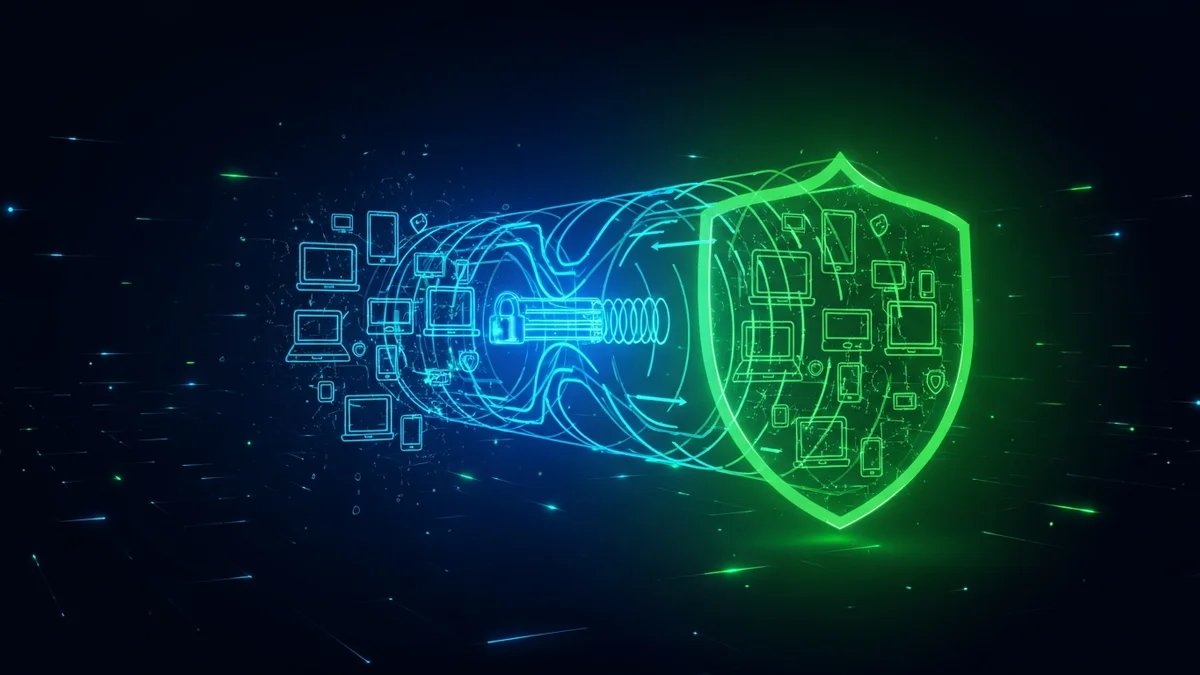
VPNs are advertised everywhere: on YouTube, in podcast ads, and across tech websites. They promise privacy, security, and even faster streaming. But what is a VPN exactly — and do you actually need one?
A Virtual Private Network (VPN) can be a powerful privacy tool, but it’s not a magic shield against cybercrime. Understanding what a VPN does — and what it doesn’t — is essential if you want to make smart decisions about your digital security.
What Is a VPN?
A VPN (Virtual Private Network) is a service that encrypts your internet connection and routes your traffic through a remote server operated by the VPN provider.
Normally, when you visit a website:
- Your device connects to your internet service provider (ISP)
- Your ISP connects you to the website
- Your IP address is visible to the destination server
When you use a VPN:
- Your traffic is encrypted before it leaves your device
- Your ISP can’t see what websites you visit (only that you're using a VPN)
- The website sees the VPN server’s IP address instead of yours
This encryption is especially valuable on public Wi-Fi networks, where attackers may attempt to intercept unprotected traffic.
How a VPN Improves Your Privacy
A VPN offers several legitimate privacy and security benefits:
- Encrypts data on public Wi-Fi: Public hotspots in airports, hotels, and cafés are common targets for man-in-the-middle attacks.
- Hides your IP address: Websites and advertisers can’t directly see your real location.
- Prevents ISP tracking: In some countries, ISPs can legally collect and sell browsing data.
- Bypasses geographic restrictions: VPNs can make it appear as though you're browsing from another country.
In 2023, public Wi-Fi–related risks remained a significant concern, especially for remote workers. While HTTPS encryption protects most modern browsing, a VPN adds an additional security layer — particularly useful when accessing sensitive accounts outside your home network.
However, privacy doesn’t stop at encryption. Data breaches expose billions of records every year. In 2023 alone, over 3,200 publicly reported data compromises occurred in the United States, affecting hundreds of millions of individuals. A VPN cannot stop a company you trust from being breached.
That’s why tools like LeakDefend play a different but critical role: monitoring whether your email addresses appear in known data breaches and alerting you quickly so you can secure compromised accounts.
What a VPN Does NOT Protect You From
One of the biggest misconceptions is that a VPN makes you anonymous or invincible online. It doesn’t.
A VPN does not protect you from:
- Data breaches: If a company like LinkedIn, Facebook, or a retailer is hacked, your stored data can be exposed regardless of VPN use.
- Phishing attacks: If you click a malicious link and enter your password, a VPN won’t stop the theft.
- Malware: Downloading infected files remains a risk.
- Weak passwords: Credential stuffing attacks rely on reused passwords, not your IP address.
For example, the 2017 Equifax breach exposed sensitive information of approximately 147 million people. A VPN would not have prevented that exposure because the vulnerability existed within Equifax’s systems.
Similarly, billions of credentials circulate on dark web marketplaces due to past breaches. Monitoring exposure with services like LeakDefend.com lets you check all your email addresses for free and see whether your data has already been compromised.
Do You Actually Need a VPN?
The answer depends on how you use the internet.
You likely benefit from a VPN if:
- You frequently use public Wi-Fi
- You travel internationally
- You want to limit ISP data collection
- You handle sensitive business information remotely
You may not urgently need one if:
- You mostly browse at home on a secured network
- You already use HTTPS websites exclusively
- Your main concern is data breaches rather than network snooping
For many people, the bigger risks today come from password reuse, phishing, and corporate data leaks — not from someone spying on home Wi-Fi traffic.
A VPN is best viewed as one layer in a broader security strategy, not a standalone solution.
How to Choose a Trustworthy VPN
If you decide a VPN makes sense for you, choose carefully. Not all VPN providers are equal.
- No-logs policy: The provider should not store records of your activity.
- Independent audits: Third-party security audits increase trust.
- Strong encryption standards: Look for AES-256 encryption and modern protocols like WireGuard.
- Transparent ownership: Avoid unknown or opaque companies.
Free VPNs deserve special caution. Some monetize by injecting ads or collecting user data — which defeats the purpose of using a privacy tool in the first place.
The Smarter Approach: Combine a VPN with Breach Monitoring
Cybersecurity works best in layers. A VPN protects your connection. A password manager protects your credentials. Multi-factor authentication protects your accounts.
And breach monitoring protects your identity after companies get hacked.
Because breaches are inevitable, early detection matters. If your email appears in a newly discovered database leak, immediate action — changing passwords, enabling MFA, canceling exposed subscriptions — can prevent identity theft.
That’s where LeakDefend adds real value. Instead of guessing whether your information is floating around online, you receive alerts when your data surfaces in known breaches, giving you time to respond before attackers exploit it.
🔒 Check If Your Email Was Breached — Monitor up to 3 email addresses for free with LeakDefend. Start Your Free Trial →
Final Verdict: Is a VPN Worth It?
A VPN is a useful privacy tool — especially on public networks and for users who value minimizing ISP tracking. It encrypts your traffic and masks your IP address, which meaningfully improves certain aspects of online privacy.
But it’s not a cure-all. It won’t stop phishing emails, prevent companies from being hacked, or fix poor password habits.
If your main concern is identity theft and exposed credentials, breach monitoring and strong authentication practices may deliver more practical protection than a VPN alone.
The smartest approach isn’t choosing one tool — it’s combining them. Use a VPN when appropriate. Secure your accounts with strong, unique passwords. Enable multi-factor authentication. And regularly monitor your email addresses for breach exposure.
Online privacy isn’t about a single product. It’s about reducing risk from every angle.