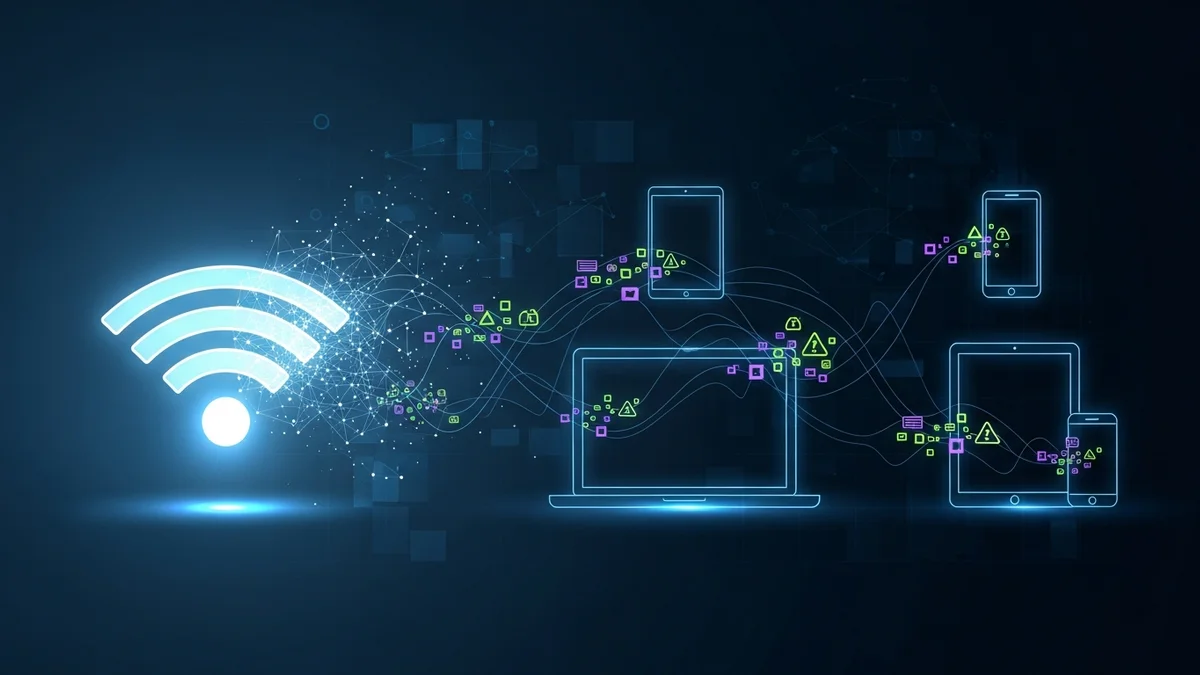
Free Wi-Fi networks are everywhere — airports, hotels, cafés, shopping centers, even public transportation. They’re convenient, fast, and often essential for remote work and travel. But beneath that convenience lies a serious security risk. Cybercriminals actively target public Wi-Fi users because these networks make it significantly easier to intercept data, steal credentials, and hijack online accounts.
Understanding the hidden dangers of free Wi-Fi networks is the first step toward protecting your identity, finances, and digital life.
Why Free Wi-Fi Networks Are So Risky
Unlike your home network, public Wi-Fi is typically unsecured or poorly configured. That means the data traveling between your device and the router can often be intercepted by others connected to the same network.
According to cybersecurity research, public Wi-Fi attacks remain one of the most common attack vectors for opportunistic hackers. The FBI has repeatedly warned travelers about the risks of connecting to unknown networks, especially in airports and hotels.
Here’s why these networks are dangerous:
- No encryption: Many public networks lack proper encryption, making data interception easier.
- Shared access: Dozens or hundreds of users share the same network environment.
- Minimal monitoring: Public hotspots are rarely monitored for suspicious activity.
- Fake hotspots: Attackers can create malicious networks that look legitimate.
When you connect, you may be exposing login credentials, email addresses, session cookies, and even payment details.
Man-in-the-Middle Attacks: Silent Data Theft
One of the most common threats on public Wi-Fi is the man-in-the-middle (MITM) attack. In this scenario, a hacker positions themselves between your device and the network, intercepting the data you send and receive.
For example, if you log into an online shopping site, a hacker could potentially capture:
- Usernames and passwords
- Credit card numbers
- Email login credentials
- Private messages
While HTTPS encryption has reduced some risks, attackers can still exploit unencrypted websites, outdated apps, or trick users into visiting fake login pages.
A well-known example of session hijacking emerged in 2010 with the release of a tool called Firesheep, which demonstrated how easy it was to hijack Facebook and Twitter sessions over open Wi-Fi. Although platforms have improved security since then, the underlying vulnerability of open networks remains.
Evil Twin Networks and Fake Hotspots
Not all free Wi-Fi networks are what they appear to be. Cybercriminals frequently set up “evil twin” hotspots — rogue networks designed to mimic legitimate ones.
You might see network names like:
- "Airport_Free_WiFi"
- "Hotel Guest WiFi"
- "CoffeeShop_WiFi_Free"
If you connect without verifying the official network name, you could be handing your data directly to an attacker.
Once connected, hackers can monitor activity, redirect you to phishing pages, or inject malware into your browsing session. In some documented cases, attackers have used rogue hotspots to distribute ransomware or spyware.
The 2017 KRACK vulnerability (Key Reinstallation Attack) further demonstrated weaknesses in WPA2 encryption, showing that even “secured” Wi-Fi protocols could be exploited under certain conditions.
Automatic Connections and Device Exposure
Many smartphones and laptops are configured to automatically reconnect to previously used Wi-Fi networks. This feature is convenient — but dangerous.
Attackers can spoof a network your device has trusted before. If your phone automatically reconnects, you may not even realize you’ve joined a malicious hotspot.
Additionally, public Wi-Fi often allows device-to-device communication. Without proper settings enabled, other users on the same network could attempt to:
- Access shared folders
- Scan your device for vulnerabilities
- Exploit outdated software
This risk increases if your operating system or apps are not regularly updated.
How Stolen Data Turns Into Identity Theft
You might think, “I’m just checking email — what’s the harm?” But even seemingly minor information can be weaponized.
If an attacker captures your email credentials, they can:
- Reset passwords for banking or shopping accounts
- Access personal documents
- Launch phishing attacks from your account
- Search for saved passwords and financial data
Data stolen on public Wi-Fi often ends up for sale on dark web marketplaces. According to multiple cybersecurity reports, millions of login credentials circulate online each year, fueling account takeover fraud and identity theft.
That’s why ongoing monitoring matters. Even if you were exposed months ago, you might not know until fraudulent activity appears. Tools like LeakDefend help monitor your email addresses for breaches so you can act quickly if your data surfaces online. LeakDefend.com lets you check all your email addresses for free and receive alerts if they appear in known breach databases.
How to Protect Yourself on Public Wi-Fi
You don’t have to avoid free Wi-Fi entirely — but you should use it strategically.
- Use a VPN: A reputable Virtual Private Network encrypts your internet traffic.
- Verify network names: Confirm the official hotspot with staff before connecting.
- Disable automatic connections: Turn off auto-join features on your devices.
- Avoid sensitive transactions: Don’t access banking or enter payment details on public Wi-Fi.
- Enable two-factor authentication (2FA): Even if credentials are stolen, 2FA adds a protective layer.
- Keep devices updated: Install operating system and app updates promptly.
Even with precautions, data exposure can still happen. That’s why proactive breach monitoring is essential. LeakDefend continuously monitors for compromised email addresses and alerts you so you can change passwords and secure accounts before attackers escalate access.
🔒 Check If Your Email Was Breached — Monitor up to 3 email addresses for free with LeakDefend. Start Your Free Trial →
Convenience Shouldn’t Cost You Your Identity
Free Wi-Fi networks are designed for convenience, not security. While they make travel and remote work easier, they also create opportunities for hackers to intercept data, impersonate networks, and steal credentials.
The risks aren’t hypothetical — they’re well-documented and actively exploited. A few simple precautions can dramatically reduce your exposure, but ongoing vigilance is key. Monitoring your email addresses with services like LeakDefend adds an essential safety net, ensuring that if your information is compromised, you know immediately.
Next time you connect to “Free Public Wi-Fi,” pause for a moment. Convenience is valuable — but your privacy, identity, and financial security are worth far more.