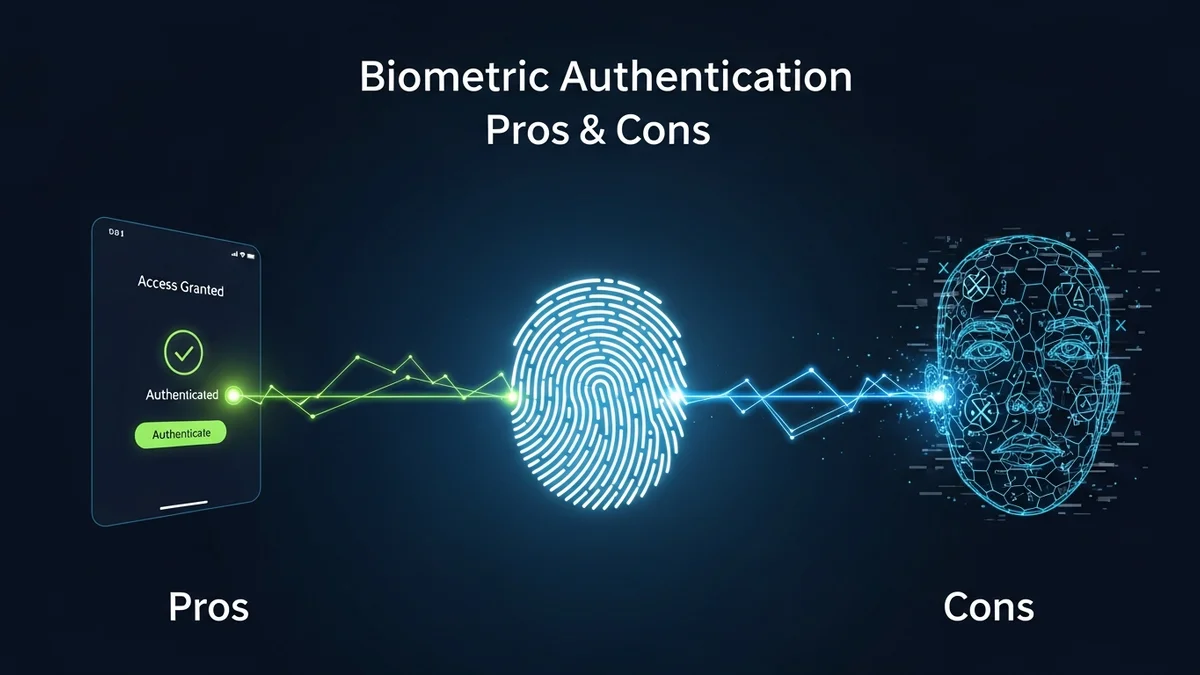
Biometric authentication has quickly moved from science fiction to everyday life. We unlock smartphones with our faces, access bank accounts with fingerprints, and even pass through airport security using iris scans. The appeal is obvious: no passwords to remember, no codes to type.
But while biometrics promise convenience and stronger security, they also introduce new risks that many users overlook. Unlike passwords, your fingerprint or face can’t be changed if compromised. So is biometric authentication truly safer — or just more convenient?
Let’s break down the real pros and cons of biometric authentication so you can make informed decisions about your digital security.
What Is Biometric Authentication?
Biometric authentication verifies your identity using unique physical or behavioral traits. Common examples include:
- Fingerprint scanning (Touch ID, Android fingerprint unlock)
- Facial recognition (Apple Face ID, Windows Hello)
- Iris or retina scans
- Voice recognition
- Behavioral biometrics (typing rhythm, mouse movement patterns)
Unlike passwords or PINs, biometrics are tied directly to your body. That makes them harder to guess or brute-force — but it also creates permanent risk if exposed.
The Pros of Biometric Authentication
1. Stronger Protection Against Password-Based Attacks
According to Verizon’s Data Breach Investigations Report, over 80% of hacking-related breaches involve stolen or weak passwords. Biometrics eliminate common risks like password reuse, phishing for credentials, or brute-force attacks.
If there’s no password to steal, attackers lose one of their most common entry points.
2. Convenience and Speed
Biometric authentication is fast. Apple estimates the probability of a random person unlocking your iPhone with Face ID is approximately 1 in 1,000,000, compared to 1 in 50,000 for Touch ID. For users, it feels seamless — glance at your phone, and it unlocks instantly.
This convenience encourages better security behavior. People who might otherwise disable complex passwords are more likely to enable biometrics.
3. Reduced Phishing Risk
Traditional phishing attacks rely on tricking users into typing passwords into fake websites. Biometrics don’t work that way. You can’t "phish" someone’s fingerprint through an email link.
However, phishing can still trick users into authorizing biometric prompts unknowingly, especially on mobile devices — so it’s not a complete defense.
4. Difficult to Replicate (In Most Cases)
Advanced biometric systems use liveness detection, infrared scanning, and depth mapping to prevent spoofing. High-end facial recognition systems are designed to distinguish between a real person and a photograph or mask.
For everyday criminals, bypassing properly implemented biometric security is significantly harder than guessing weak passwords.
The Cons of Biometric Authentication
1. You Can’t Change Your Biometrics
This is the biggest drawback. If your password leaks, you change it. If your fingerprint database is breached, you can’t replace your fingers.
In 2015, the U.S. Office of Personnel Management (OPM) breach exposed the fingerprints of 5.6 million federal employees. Those individuals now face permanent biometric risk.
Biometric data, once compromised, is compromised for life.
2. Centralized Databases Create High-Value Targets
Biometric systems often store sensitive data in centralized databases. These repositories become extremely attractive targets for cybercriminals.
Unlike leaked passwords, biometric records can’t simply be reset after a breach. This makes database security absolutely critical.
Even if you trust your device’s local storage, third-party services may store biometric templates on their servers. Monitoring your digital exposure with tools like LeakDefend can help you detect if your email addresses appear in breaches tied to biometric-enabled platforms.
3. False Positives and False Negatives
No biometric system is perfect. False positives (unauthorized access granted) and false negatives (legitimate users blocked) both occur.
Environmental conditions, injuries, aging, or even identical twins can impact accuracy. While high-end systems minimize these risks, consumer-grade devices may be less reliable.
4. Privacy Concerns
Biometric data is deeply personal. Facial recognition systems, in particular, have sparked global controversy. Companies like Clearview AI have faced criticism for scraping billions of images from social media without user consent.
Governments and corporations using biometric surveillance raise serious privacy questions. Once biometric data becomes widespread in public infrastructure, opting out becomes difficult.
5. Legal and Forced Access Risks
In some jurisdictions, law enforcement can legally compel you to unlock devices using biometrics, whereas memorized passwords may have stronger legal protections. This distinction has sparked ongoing legal debates in the United States and elsewhere.
In high-risk situations, relying solely on biometrics may reduce your control over access to your own devices.
Biometrics vs. Passwords: Which Is Safer?
The real answer isn’t "either/or." The strongest security setups combine:
- Biometrics (something you are)
- Passwords or PINs (something you know)
- Device-based authentication tokens (something you have)
This layered approach — known as multi-factor authentication (MFA) — dramatically reduces risk.
Biometrics work best as one layer of protection, not the only one. For example, your fingerprint might unlock your password manager, but the vault itself is protected by a strong master password.
And even the strongest authentication won’t help if your email account is already exposed in a data breach. That’s where proactive monitoring matters. LeakDefend.com lets you check all your email addresses for free and alerts you if they appear in known breaches.
Best Practices for Using Biometric Authentication Safely
- Use biometrics together with a strong PIN or password.
- Avoid storing biometric data with services that lack transparency about storage practices.
- Enable multi-factor authentication wherever possible.
- Keep your devices updated to patch biometric security flaws.
- Monitor your email accounts for breach exposure using services like LeakDefend.
Remember: authentication protects access, but breach monitoring protects your broader digital identity.
🔒 Check If Your Email Was Breached — Monitor up to 3 email addresses for free with LeakDefend. Start Your Free Trial →
Conclusion: Convenience With Caution
The pros and cons of biometric authentication ultimately come down to one trade-off: convenience versus permanence.
Biometrics are fast, user-friendly, and resistant to many common password attacks. But they introduce serious privacy concerns and irreversible risk if compromised.
The smartest approach isn’t rejecting biometrics — it’s using them wisely. Combine them with strong passwords, enable multi-factor authentication, and actively monitor your digital exposure.
Because while your fingerprint might unlock your phone, your overall cybersecurity depends on much more than a single scan.