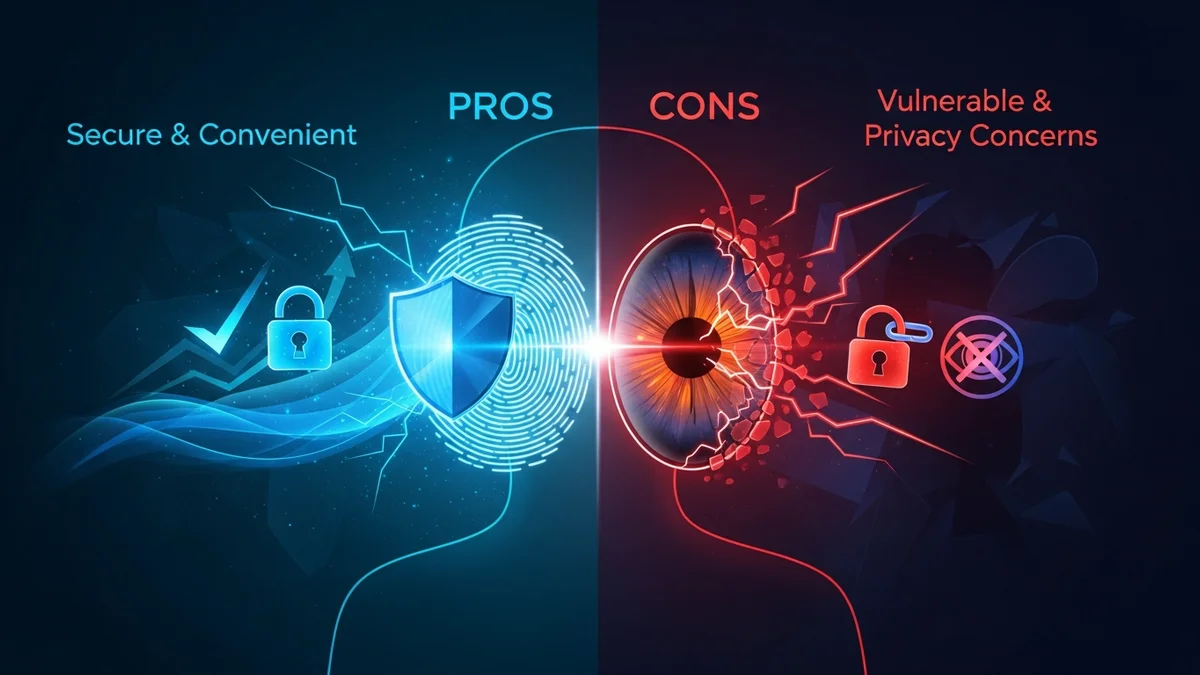
Biometric authentication has quickly moved from science fiction to everyday life. We unlock smartphones with our faces, log into laptops with fingerprints, and even pass through airport gates using iris scans. The promise is simple: your body becomes your password. No more forgotten credentials, no more sticky notes with login details.
But is biometric authentication truly safer than traditional passwords? Like any security technology, it comes with both strengths and serious trade-offs. Understanding the pros and cons of biometric authentication is essential before relying on it to protect your most sensitive data.
What Is Biometric Authentication?
Biometric authentication verifies identity using unique biological characteristics. The most common types include:
- Fingerprint recognition
- Facial recognition
- Iris or retina scans
- Voice recognition
- Behavioral biometrics (typing patterns, mouse movements)
Unlike passwords or PINs, biometric traits are inherently tied to the individual. You can change a password, but you cannot change your fingerprint. That permanence is both the biggest advantage and the greatest risk.
The Pros of Biometric Authentication
1. Convenience and Speed
Biometrics are fast. Apple reports that Face ID has a one-in-a-million chance of a random match, and it unlocks devices in seconds. Users don’t need to remember complex passwords or reset forgotten credentials, reducing friction and improving user experience.
For businesses, this convenience can increase security adoption. Employees are more likely to use secure authentication methods if they’re easy.
2. Difficult to Replicate
High-quality biometric systems are hard to forge. While passwords can be guessed, phished, or reused, replicating a fingerprint or iris scan requires significantly more effort and sophistication.
Compared to passwords alone, biometrics provide stronger protection against brute-force attacks and credential stuffing — two of the most common methods used in data breaches.
3. Reduced Reliance on Weak Passwords
Weak and reused passwords remain a leading cause of breaches. According to Verizon’s Data Breach Investigations Report, compromised credentials are involved in a large percentage of hacking-related breaches each year. By replacing or supplementing passwords, biometric authentication reduces the risks associated with poor password hygiene.
However, it’s important to note that biometrics often work alongside passwords rather than replacing them entirely.
4. Improved Multi-Factor Authentication (MFA)
Biometrics are most powerful when used as part of multi-factor authentication. Combining something you are (biometric) with something you know (password) or something you have (device) dramatically increases security.
For example, unlocking a password manager with Face ID adds a strong layer of protection. Tools like LeakDefend can then monitor whether your email addresses appear in data breaches, adding yet another layer of defense beyond login security.
The Cons of Biometric Authentication
1. You Can’t Change Your Biometrics
This is the most critical drawback. If a password is exposed, you change it. If your fingerprint data is stolen, you cannot replace your fingerprint.
The 2015 U.S. Office of Personnel Management (OPM) breach exposed sensitive data of 21.5 million people, including 5.6 million fingerprints. Those individuals cannot simply “reset” their biometric identifiers. The long-term implications are still unknown.
2. Centralized Databases Create High-Value Targets
When organizations store biometric data in centralized systems, they create extremely attractive targets for attackers. Large-scale biometric databases — including national ID systems — have faced scrutiny over security weaknesses and potential leaks.
If attackers gain access to raw biometric data, the consequences are far more severe than a typical password leak.
3. False Positives and False Negatives
No biometric system is perfect. Apple states that the probability of a random person unlocking your iPhone with Face ID is approximately 1 in 1,000,000, while Touch ID fingerprint authentication has about a 1 in 50,000 chance of false acceptance.
While these numbers are low, they are not zero. Environmental conditions, injuries, aging, and even identical twins can affect accuracy. In high-security environments, even small error rates matter.
4. Privacy and Surveillance Concerns
Facial recognition technology has sparked global debate. Unlike passwords, facial data can be captured without explicit consent in public spaces. Critics argue that widespread biometric surveillance threatens civil liberties and personal privacy.
When biometric data is collected, users often have limited visibility into how it is stored, processed, or shared.
5. Spoofing and Advanced Attacks
Although difficult, biometric systems can be bypassed. Researchers have demonstrated fingerprint spoofing using high-resolution images and 3D printing. Facial recognition systems have been tricked with masks or sophisticated presentation attacks.
As biometric adoption increases, attackers are investing more resources into defeating these systems.
Biometrics vs. Passwords: Which Is Safer?
The answer isn’t either-or. Biometrics are generally safer than weak passwords but not safer than strong, unique passwords combined with multi-factor authentication.
The biggest real-world risk today is not someone forging your fingerprint. It’s stolen credentials from data breaches. Billions of usernames and passwords have been exposed in incidents involving companies like LinkedIn, Adobe, Yahoo, and others.
Even if you use biometrics to unlock your phone, the accounts behind those apps may still rely on passwords stored on external servers. That’s why monitoring your exposure is critical. LeakDefend.com lets you check all your email addresses for free and alerts you if they appear in known breaches, helping you act quickly before attackers exploit stolen credentials.
Best Practices for Using Biometric Authentication Safely
- Enable multi-factor authentication wherever possible.
- Avoid relying solely on biometrics for critical accounts.
- Use a password manager to generate strong, unique passwords.
- Monitor your email addresses for breach exposure.
- Keep devices updated to patch biometric security vulnerabilities.
Biometrics should enhance your security — not replace other essential protections.
🔒 Check If Your Email Was Breached — Monitor up to 3 email addresses for free with LeakDefend. Start Your Free Trial →
Conclusion: Powerful, But Not Perfect
Biometric authentication offers undeniable advantages: speed, convenience, and resistance to common password attacks. When implemented correctly, it significantly strengthens account security.
However, the permanence of biometric data, privacy concerns, and the risks of centralized storage mean it’s not a silver bullet. Once compromised, biometric identifiers cannot be reset — and that raises the stakes considerably.
The smartest approach is layered security. Use biometrics for convenience, strong passwords for resilience, and proactive monitoring for early detection. Services like LeakDefend help you stay ahead of breaches by alerting you when your data appears in exposed databases.
Biometrics are a powerful tool — but true security comes from combining multiple defenses, staying informed, and acting quickly when risks emerge.