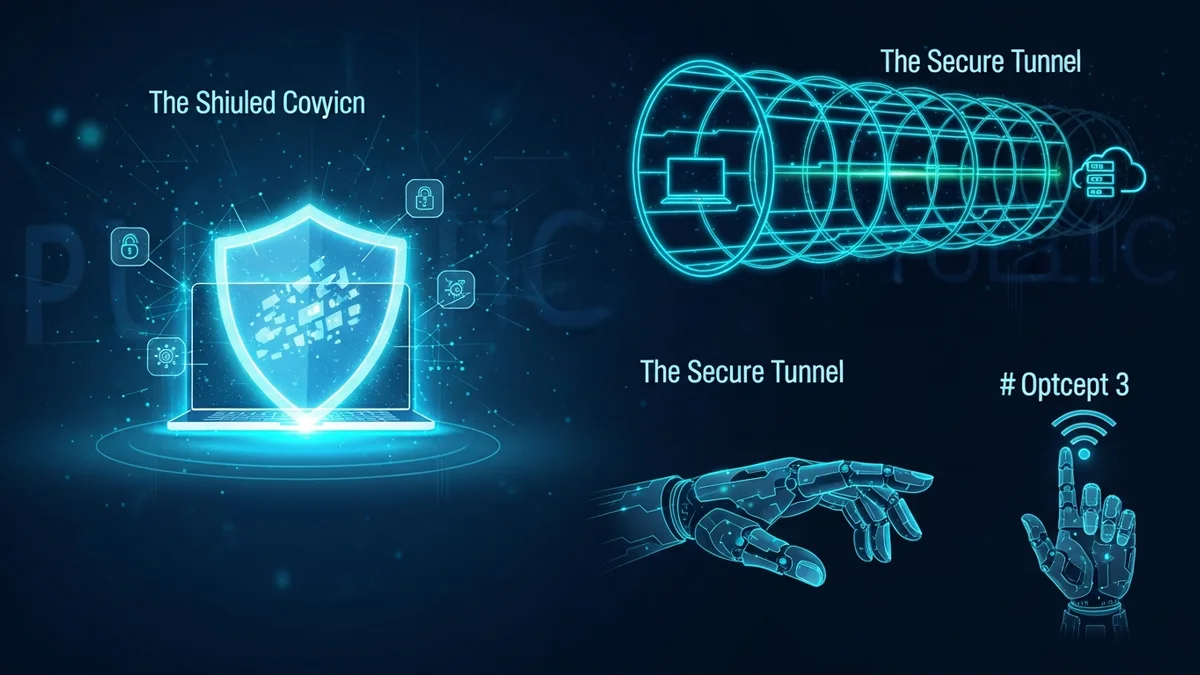
Free public Wi‑Fi is everywhere — airports, hotels, cafés, libraries, and even public transportation. It’s convenient, fast, and often essential for remote work and travel. But it’s also one of the easiest environments for cybercriminals to exploit.
If you’ve ever wondered how to safely use public Wi‑Fi without getting hacked, you’re asking the right question. Unsecured networks can expose your passwords, emails, financial information, and even your identity. The good news? With a few smart habits and the right tools, you can significantly reduce your risk.
Here’s how to protect yourself on public Wi‑Fi — without becoming paranoid or giving up convenience.
Why Public Wi‑Fi Is Risky
Public Wi‑Fi networks are often unencrypted or poorly secured. Unlike your home router (hopefully protected with WPA3 or at least WPA2), many public hotspots don’t adequately protect data traveling across the network.
According to cybersecurity reports, "man-in-the-middle" attacks and rogue hotspots are among the most common threats on public networks. In these attacks, a hacker intercepts data between your device and the website or service you’re using.
Common public Wi‑Fi risks include:
- Packet sniffing – Attackers capture unencrypted traffic.
- Rogue hotspots – Fake networks designed to look legitimate (e.g., "Airport_Free_WiFi").
- Session hijacking – Stealing login cookies to access your accounts.
- Malware distribution – Exploiting vulnerable devices on the same network.
Even major companies and government agencies have experienced breaches due to compromised credentials obtained through unsecured networks. The risk is real — but manageable.
1. Always Verify the Network Before Connecting
One of the simplest ways to avoid getting hacked on public Wi‑Fi is to make sure you’re connecting to the correct network.
Cybercriminals often create fake Wi‑Fi names that mimic legitimate ones. For example, if a café’s real network is "CafeCentral_WiFi," a hacker might set up "CafeCentral_Free" or "CafeCentral_Guest."
Before connecting:
- Ask staff for the exact network name.
- Avoid networks that don’t require any password when a password is expected.
- Be cautious of duplicate or similarly spelled networks.
If a network automatically connects without confirmation, disable auto-join in your device settings. This prevents your phone or laptop from silently connecting to unsafe hotspots.
2. Use a VPN to Encrypt Your Traffic
If you regularly use public Wi‑Fi, a Virtual Private Network (VPN) is one of the most effective protections available.
A VPN encrypts your internet traffic, making it unreadable to anyone attempting to intercept it. Even if a hacker captures your data packets, they won’t be able to decipher sensitive information like login credentials or financial details.
While many websites now use HTTPS encryption, a VPN adds another protective layer — especially useful for apps, older websites, or misconfigured services.
Think of a VPN as a secure tunnel between your device and the internet. Without it, your data may be exposed to anyone monitoring the network.
3. Avoid Accessing Sensitive Accounts on Public Wi‑Fi
Even with precautions, it’s smart to limit high-risk activity on public networks.
Avoid logging into:
- Online banking or investment platforms
- Tax or government portals
- Corporate admin dashboards
- Password manager master vaults (unless absolutely necessary)
If you must access sensitive services, use your mobile data connection instead. Cellular networks are generally more secure because they use built-in encryption and are harder to intercept.
Remember: convenience shouldn’t override caution.
4. Turn On Multi-Factor Authentication Everywhere
Strong passwords are important — but they’re no longer enough.
Multi-factor authentication (MFA) adds an extra verification step, such as a one-time code or authentication app approval. Even if someone steals your password on public Wi‑Fi, they can’t access your account without the second factor.
According to Microsoft, MFA can block over 99% of automated account compromise attacks. That’s a massive reduction in risk.
Prioritize enabling MFA on:
- Email accounts
- Cloud storage services
- Social media accounts
- Financial platforms
Email security is especially critical. If a hacker gains access to your email, they can reset passwords for almost every other account you own. Tools like LeakDefend can monitor your email addresses for breach exposure, alerting you quickly if your credentials appear in a leaked database.
5. Keep Your Device Hardened and Updated
Public Wi‑Fi attacks often exploit outdated software vulnerabilities.
Before traveling or working remotely:
- Install operating system updates.
- Update your browser and apps.
- Enable your firewall.
- Turn off file sharing and AirDrop-style features.
Outdated software has been behind many major data breaches. The 2017 Equifax breach, which exposed sensitive data of 147 million people, was caused by an unpatched vulnerability. While that wasn’t a public Wi‑Fi case, it shows how dangerous unpatched systems can be.
Also, lock your device when not in use. Physical access attacks in public spaces are more common than people realize.
6. Monitor Your Accounts for Breach Exposure
Even if you follow every precaution, no system is perfect. Data breaches happen constantly. In 2023 alone, billions of records were exposed worldwide through corporate breaches, leaked databases, and credential stuffing attacks.
If you’ve used public Wi‑Fi in the past, it’s wise to proactively check whether your email addresses have appeared in known data leaks.
LeakDefend.com lets you check all your email addresses for free and monitor up to three for ongoing breach alerts. If your credentials appear in a newly discovered database, you’ll know immediately — giving you time to change passwords and secure accounts before criminals exploit them.
Early detection is often the difference between a minor inconvenience and full-blown identity theft.
🔒 Check If Your Email Was Breached — Monitor up to 3 email addresses for free with LeakDefend. Start Your Free Trial →
Final Thoughts: Stay Smart, Not Scared
Using public Wi‑Fi doesn’t automatically mean you’ll get hacked. Millions of people use it daily without incident. The key is understanding the risks and applying simple, consistent security habits.
To safely use public Wi‑Fi without getting hacked:
- Verify the network before connecting.
- Use a VPN to encrypt traffic.
- Avoid sensitive logins when possible.
- Enable multi-factor authentication.
- Keep devices updated and hardened.
- Monitor your email addresses for breach exposure with services like LeakDefend.
Cybersecurity isn’t about eliminating risk entirely — it’s about reducing it to a level where attackers move on to easier targets. With the right precautions, you can enjoy the convenience of public Wi‑Fi without putting your data, accounts, or identity in danger.
Stay connected. Just stay protected.