Free Wi‑Fi is everywhere — airports, hotels, coffee shops, shopping malls. It’s convenient, fast, and often essential when you’re traveling or working remotely. But public Wi‑Fi is also one of the easiest ways for cybercriminals to intercept your data.
If you’re wondering how to safely use public Wi‑Fi without getting hacked, you’re asking the right question. According to a 2023 survey by Forbes Advisor, over 40% of respondents reported having their information compromised while using public Wi‑Fi. Attackers don’t need sophisticated tools — just the same network and a few widely available hacking utilities.
The good news? With a few smart precautions, you can significantly reduce your risk. Here’s exactly how to protect yourself.
Why Public Wi‑Fi Is So Dangerous
Public networks are inherently insecure because you don’t control them. Unlike your home Wi‑Fi, there’s usually no strong encryption separating users. That opens the door to several common attacks:
- Man-in-the-middle (MITM) attacks: Hackers intercept communication between you and the website you’re visiting.
- Rogue hotspots: Fake networks named "Free Airport WiFi" or "CoffeeShop_Guest" designed to trick users.
- Packet sniffing: Attackers capture unencrypted data transmitted over the network.
- Session hijacking: Criminals steal your login session cookies to access your accounts.
One infamous example involved the "Firesheep" browser extension, released in 2010, which allowed users to hijack Facebook and Twitter sessions on open Wi‑Fi networks with shocking ease. While platforms have improved encryption since then, similar risks still exist — especially on unsecured sites.
The bottom line: if you treat public Wi‑Fi like your home network, you’re exposed.
Always Use a VPN on Public Networks
If you follow only one rule, make it this: never use public Wi‑Fi without a VPN (Virtual Private Network).
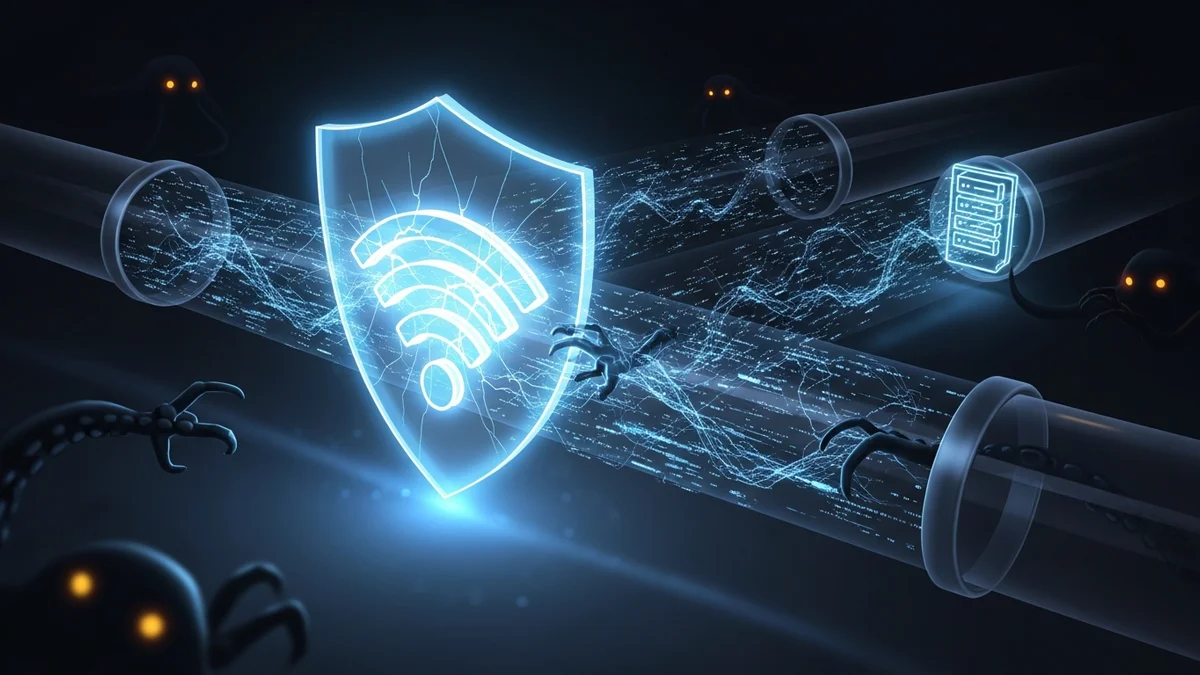
A VPN encrypts your internet traffic, creating a secure tunnel between your device and the VPN server. Even if someone intercepts your data, they won’t be able to read it.
Without a VPN, attackers can potentially see:
- Websites you visit
- Login credentials sent over unsecured connections
- Personal information submitted through forms
Choose a reputable, paid VPN provider. Free VPNs often log user data or inject ads, which defeats the purpose of enhancing privacy.
For maximum safety, enable your VPN before connecting to the public network — not after.
Stick to HTTPS and Avoid Sensitive Transactions
Even with a VPN, it’s wise to minimize risk. Always check that websites use HTTPS encryption. Look for the padlock icon in your browser’s address bar.
Modern browsers warn users about "Not Secure" sites, but it’s still your responsibility to verify before entering:
- Passwords
- Credit card numbers
- Banking information
- Personal identification details
If possible, avoid accessing financial accounts or making online purchases while connected to public Wi‑Fi. If it can wait until you’re on a trusted network, it should.
Mobile banking apps are generally safer than browser logins because they use additional encryption layers — but caution is still advised.
Turn Off Sharing and Enable Firewall Protection
Many people forget that their device settings can expose them to nearby strangers.
Before connecting to public Wi‑Fi:
- Turn off file sharing and AirDrop
- Disable printer and network discovery
- Set your network profile to "Public" (Windows) or disable sharing (macOS)
- Ensure your firewall is enabled
These steps prevent other users on the same network from accessing your files or probing your device for vulnerabilities.
It’s also smart to disable automatic Wi‑Fi connections. Some devices automatically connect to previously used networks, which can be dangerous if a hacker sets up a malicious hotspot with the same name.
Use Multi-Factor Authentication (MFA) Everywhere
If a hacker does manage to capture your credentials, multi-factor authentication (MFA) can stop them from accessing your accounts.
MFA requires a second verification step, such as:
- A one-time code from an authenticator app
- A biometric scan
- A hardware security key
According to Microsoft, MFA can block over 99.9% of automated account compromise attacks. That’s a massive security upgrade for just a few minutes of setup.
Focus especially on securing:
- Email accounts
- Banking apps
- Cloud storage
- Social media
Your email account is particularly critical. If compromised, it can be used to reset passwords across dozens of services.
Monitor Your Accounts for Breaches After Using Public Wi‑Fi
Even if you take precautions, no system is perfect. Data breaches happen constantly. In 2023 alone, billions of records were exposed worldwide through corporate hacks and credential leaks.
If you’ve used public Wi‑Fi frequently, it’s wise to monitor your accounts for unusual activity. Watch for:
- Password reset emails you didn’t request
- Unknown login alerts
- Suspicious subscription charges
- New devices connected to your accounts
This is where tools like LeakDefend become extremely valuable. LeakDefend monitors your email addresses against known data breaches and alerts you if your credentials appear in leaked databases.
LeakDefend.com lets you check all your email addresses for free and see whether they’ve been exposed in past breaches. Early detection allows you to change passwords and enable stronger protections before criminals exploit your data.
Think of it as a safety net — especially if you regularly rely on public networks.
🔒 Check If Your Email Was Breached — Monitor up to 3 email addresses for free with LeakDefend. Start Your Free Trial →
Bonus: Consider Using Your Mobile Hotspot Instead
When possible, skip public Wi‑Fi entirely and use your phone’s mobile hotspot. Cellular connections are encrypted and significantly harder to intercept than open Wi‑Fi networks.
Yes, it may use more data — but compared to the cost of identity theft or financial fraud, it’s often worth it.
Conclusion: Convenience Shouldn’t Cost You Your Security
Public Wi‑Fi isn’t going away. Remote work, digital nomad lifestyles, and constant connectivity make it unavoidable for many people. But convenience should never come at the expense of your privacy.
To safely use public Wi‑Fi without getting hacked:
- Always use a trusted VPN
- Stick to HTTPS websites
- Disable sharing and enable your firewall
- Turn on multi-factor authentication
- Monitor your accounts for breach exposure
Finally, add ongoing monitoring with services like LeakDefend to catch any leaked credentials before they’re exploited. Cybersecurity isn’t about paranoia — it’s about preparation.
With the right habits, you can enjoy free Wi‑Fi anywhere without becoming an easy target.