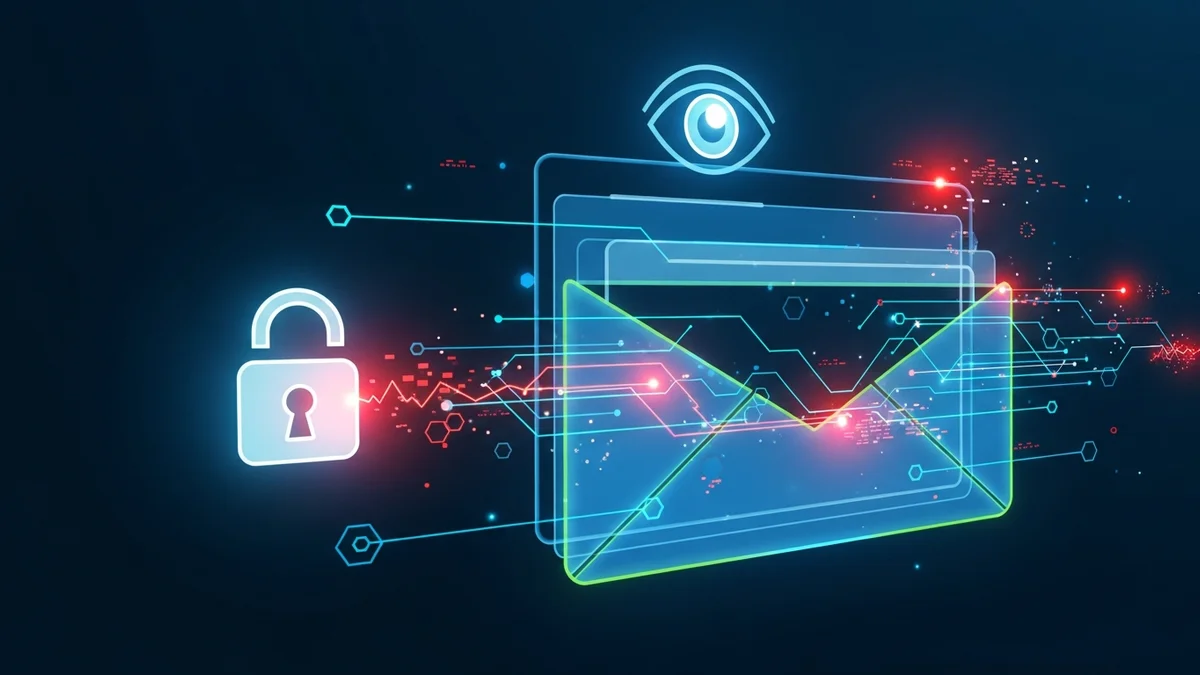
Your email address is the master key to your digital life. It resets your passwords, stores financial records, confirms subscriptions, and connects to nearly every online account you own. If your email address has been hacked or exposed in a data breach, attackers can quickly move from one compromised account to many.
So how do you check if your email address has been hacked right now? And what should you do if it has? This guide walks you through the exact steps to verify exposure, identify warning signs, and protect yourself immediately.
Why Checking Your Email for Breaches Is Critical
Data breaches are no longer rare events. Billions of records are exposed every year. Major companies like LinkedIn, Facebook, Adobe, Yahoo, and Equifax have all experienced breaches affecting millions — in some cases billions — of users. Yahoo’s 2013–2014 breach alone impacted 3 billion accounts.
When a company suffers a breach, attackers often steal:
- Email addresses
- Passwords (sometimes encrypted, sometimes not)
- Names and phone numbers
- Dates of birth
- Security questions
Even if your password wasn’t exposed, your email address alone can be used in phishing attacks, credential stuffing, and identity theft attempts. That’s why proactively checking your email exposure is essential.
Step 1: Use a Trusted Email Breach Checker
The fastest way to check if your email address has been hacked is to use a reputable breach monitoring tool. Services like LeakDefend scan known breach databases and alert you if your email appears in compromised datasets.
LeakDefend.com lets you check all your email addresses for free and see whether they’ve been exposed in known data breaches. Instead of manually searching through multiple sources, you get a consolidated view of your risk in seconds.
When you run a check, look for:
- The name of the breached company
- The date of the breach
- The type of data exposed (passwords, phone numbers, etc.)
- Whether passwords were hashed or stored in plain text
If your email appears in one or more breaches, don’t panic — but do act quickly.
Step 2: Look for Warning Signs Your Email May Be Compromised
Even if you haven’t checked a breach database yet, there are clear warning signs that your email address may have been hacked:
- Password reset emails you didn’t request
- Login alerts from unfamiliar locations or devices
- Unusual sent emails in your “Sent” folder
- Friends reporting strange messages from you
- Sudden lockouts from your accounts
Cybercriminals often use automated “credential stuffing” attacks. If you’ve reused passwords across multiple sites, a breach in one service could give attackers access to others.
According to industry research, over 60% of people reuse passwords across accounts. That dramatically increases the risk of widespread compromise once an email-password combination is exposed.
Step 3: Check the Security of Your Email Account Itself
Your email account is the most important account you own. If it’s compromised, attackers can reset passwords everywhere else. After checking for breaches, immediately review your email account security:
- Change your email password to a strong, unique password (12+ characters)
- Enable two-factor authentication (2FA)
- Review account recovery options (phone number, backup email)
- Check login activity for unknown devices
- Remove suspicious forwarding rules
Email forwarding rules are a commonly overlooked attack method. Hackers sometimes create hidden forwarding rules to secretly receive copies of your emails, even after you change your password.
Step 4: Monitor All Your Email Addresses Continuously
One-time checks are helpful — but new breaches happen constantly. Many companies don’t disclose incidents immediately, and some breaches are only discovered months or years later.
That’s why continuous monitoring matters. Tools like LeakDefend can monitor your email addresses and notify you as soon as your information appears in newly discovered breach databases.
Instead of reacting months later, you can respond immediately by changing passwords and securing accounts before attackers exploit the data.
If you use multiple email addresses (work, personal, side projects, shopping), make sure all of them are monitored. Attackers don’t care which email they compromise — they care which one gives them access.
What to Do If Your Email Address Has Been Hacked
If your check confirms your email was exposed in a breach, take these steps immediately:
- Change passwords for affected accounts
- Update passwords on any accounts where you reused the same password
- Enable two-factor authentication everywhere possible
- Use a password manager to generate unique passwords
- Watch for phishing attempts referencing the breached company
Be especially cautious of emails claiming to “help” you recover from the breach. Attackers frequently exploit publicized breaches to launch phishing campaigns.
Remember: exposure in a breach does not automatically mean someone has accessed your account. It means your data is circulating in criminal marketplaces or leak forums — and that raises your risk significantly.
How Often Should You Check Your Email for Breaches?
At minimum, you should check your email exposure every few months. Ideally, you should use an automated monitoring service so you’re alerted in real time.
Cybercrime is growing rapidly. Global cybercrime damages are projected to reach trillions of dollars annually, and stolen credentials remain one of the most common attack vectors. Regular monitoring gives you early warning — and early warning dramatically reduces damage.
Conclusion: Don’t Wait Until It’s Too Late
Checking if your email address has been hacked takes less than a minute — but ignoring the risk can cost you far more. Your email is the gateway to your financial accounts, subscriptions, cloud storage, and identity.
Run a breach check today. Secure your email with a strong password and two-factor authentication. And consider ongoing monitoring with services like LeakDefend so you’re not the last to know when your data is exposed.
In cybersecurity, speed matters. The sooner you know, the faster you can act — and the safer your digital life will be.