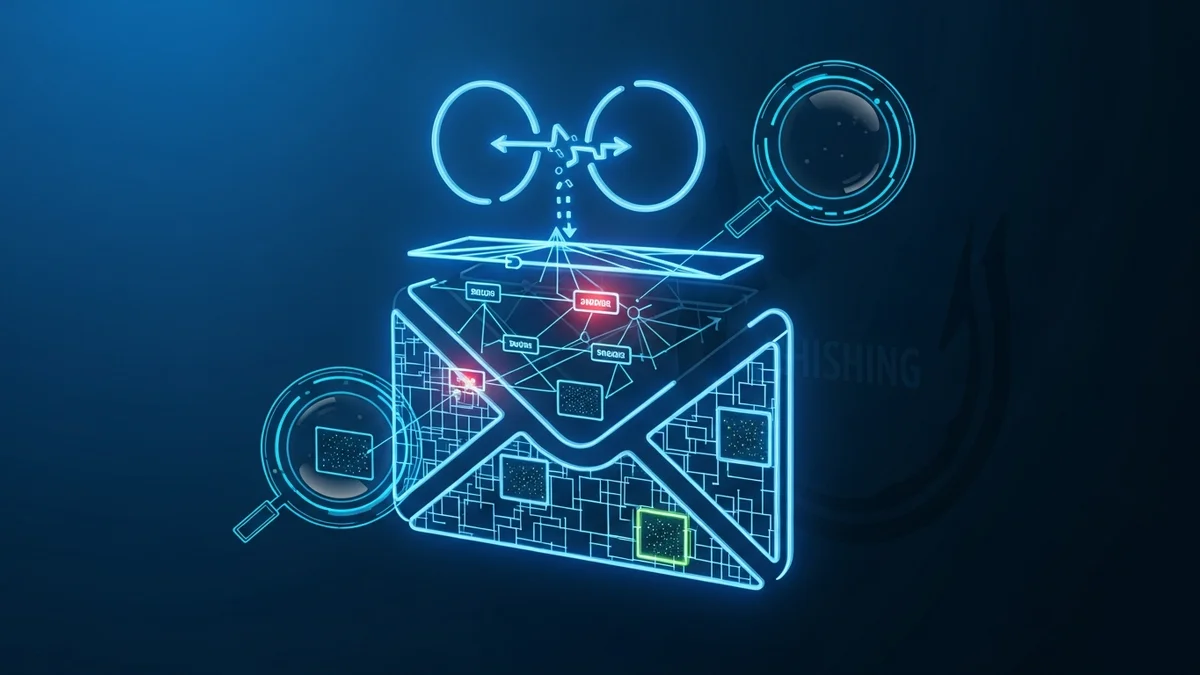
Phishing attacks remain one of the most common and successful cyber threats worldwide. According to the FBI’s Internet Crime Complaint Center (IC3), phishing consistently ranks as the top reported cybercrime, with hundreds of thousands of complaints each year. While many phishing emails look convincing on the surface, their technical fingerprints often tell a different story. That’s where email header analysis comes in.
By learning how to trace a phishing email through its header, you can uncover spoofed domains, suspicious mail servers, and hidden routing paths. Whether you’re an individual protecting your inbox or a business investigating suspicious activity, understanding email headers is a powerful skill.
What Is an Email Header and Why Does It Matter?
Every email consists of two main parts: the body (what you see) and the header (the technical metadata behind it). The header contains critical routing information that shows how the message traveled across the internet before landing in your inbox.
Email headers typically include:
- From: The sender’s displayed address (often spoofed in phishing emails)
- To: The recipient’s address
- Subject: The email subject line
- Date: When the email was sent
- Received: A chain of mail servers that handled the message
- Return-Path: The address for bounced messages
- SPF, DKIM, and DMARC results: Authentication checks
Phishing emails often manipulate the visible "From" field to appear legitimate — for example, impersonating Microsoft, PayPal, or your bank. However, they cannot easily fake the entire technical path recorded in the header. That’s where red flags emerge.
How to Access Full Email Headers
Before you can perform email header analysis, you need to access the full header. Most email providers allow this:
- Gmail: Open the email → click the three dots → “Show original.”
- Outlook: Open the message → File → Properties → Internet headers.
- Apple Mail: View → Message → All Headers.
Once opened, you’ll see a block of technical data. It may look overwhelming, but you don’t need to understand every line. Focus on key sections that reveal authenticity.
Step-by-Step: How to Trace a Phishing Email
Here’s how to analyze an email header effectively:
- 1. Examine the "Received" Chain
Each mail server that processes the message adds a "Received" line. Read these from bottom to top to trace the email’s path. If the first originating server is located in a country unrelated to the supposed sender, that’s suspicious. - 2. Check the Return-Path Address
The Return-Path often exposes the true sending domain. If an email claims to be from "support@paypal.com" but the Return-Path shows a random domain like "secure-login-alert.ru," you’re likely dealing with phishing. - 3. Verify SPF, DKIM, and DMARC Results
Modern email systems use authentication protocols:- SPF (Sender Policy Framework) verifies authorized sending servers.
- DKIM (DomainKeys Identified Mail) ensures the message wasn’t altered.
- DMARC enforces domain-level protection policies.
- 4. Look for Domain Mismatches
Attackers often register lookalike domains (e.g., "micros0ft-support.com"). Even subtle misspellings are strong indicators of fraud. - 5. Identify Suspicious IP Addresses
You can search the originating IP address using public lookup tools. If it’s associated with spam reports or unusual geolocations, it strengthens the phishing case.
Common Red Flags Found in Phishing Headers
Through email header analysis, you’ll frequently encounter patterns typical of phishing campaigns:
- Multiple "Received" entries with inconsistent timestamps
- Authentication failures (SPF/DKIM = fail)
- Free email domains posing as corporations
- Foreign mail servers unrelated to the claimed sender
- Encoded or obfuscated sending addresses
Major phishing campaigns, including those impersonating companies like Amazon and Google, often rely on domain spoofing combined with compromised mail servers. In high-profile cases such as the 2016 Google Docs phishing attack, over one million users were targeted within hours before Google intervened.
Why Header Analysis Alone Isn’t Enough
While tracing a phishing email via header analysis is powerful, it’s only one layer of protection. Many attacks succeed not because the technical deception is flawless, but because victims’ email addresses were previously exposed in data breaches.
When your email appears in a breach — such as the Yahoo breach affecting 3 billion accounts or the LinkedIn breach exposing over 700 million users — attackers gain verified targets. They then craft phishing emails that feel personal and credible.
That’s why proactive monitoring matters. Tools like LeakDefend can monitor your email addresses for breach exposure and alert you if your data appears in newly discovered leaks. Knowing your exposure level helps you anticipate and recognize targeted phishing attempts.
You can also use LeakDefend.com to check multiple email addresses for free and see whether they’ve been compromised in known breaches. The fewer unknown exposures you have, the lower your phishing risk.
Best Practices to Prevent Future Phishing Attacks
Beyond analyzing suspicious messages, strengthen your overall defenses:
- Enable multi-factor authentication (MFA) on all accounts.
- Use a password manager to generate unique passwords.
- Keep your email client and browser updated.
- Never click urgent "account suspension" links without verifying independently.
- Regularly monitor your email addresses for breach exposure.
Phishing attacks often escalate into identity theft, financial fraud, or business email compromise (BEC). The FBI has reported billions of dollars in losses from BEC scams alone. Early detection makes a significant difference.
🔒 Check If Your Email Was Breached — Monitor up to 3 email addresses for free with LeakDefend. Start Your Free Trial →
Conclusion
Email header analysis is one of the most effective ways to trace a phishing email and uncover its true origin. By examining the "Received" chain, verifying authentication results, and spotting domain mismatches, you can quickly separate legitimate communication from malicious deception.
However, technical analysis works best when combined with proactive monitoring. Since many phishing attacks stem from previously breached data, staying informed about your exposure is critical. Services like LeakDefend add an essential layer of visibility, helping you detect risks before attackers exploit them.
Phishing isn’t going away — but with the right knowledge and tools, you can stay one step ahead.