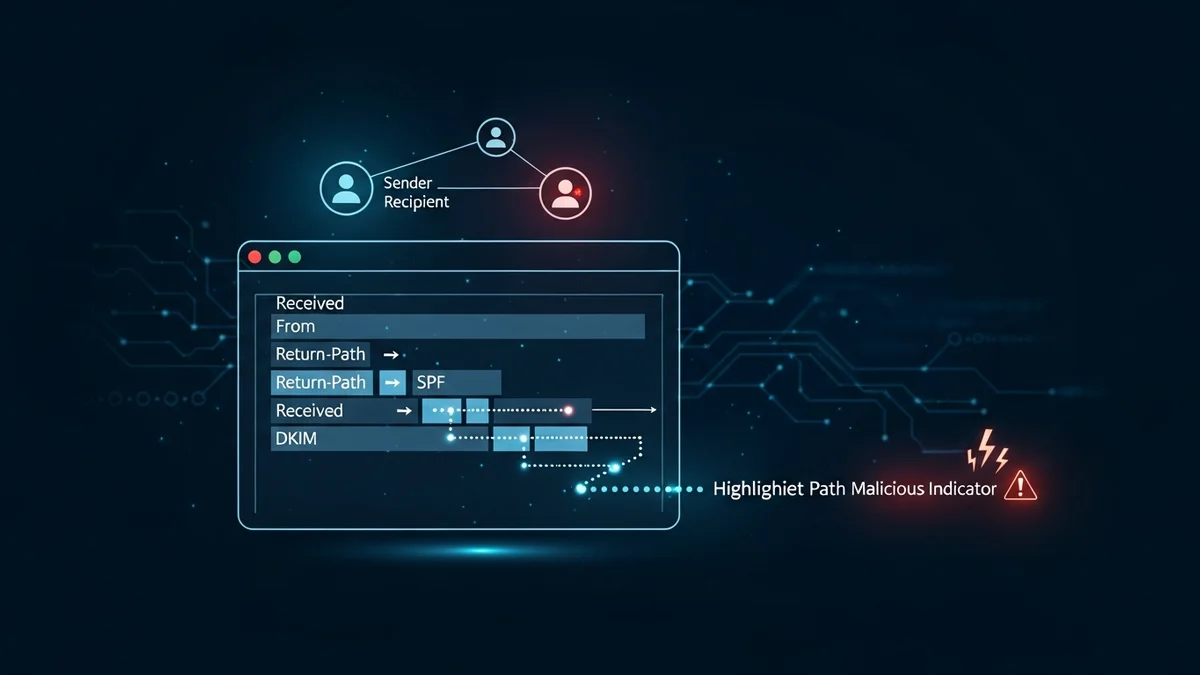
Phishing attacks remain one of the most common and damaging cyber threats worldwide. According to the FBI’s Internet Crime Complaint Center (IC3), phishing was the most frequently reported cybercrime category in recent years, with hundreds of thousands of complaints annually. While many phishing emails look convincing on the surface, the truth about their origin is hidden in plain sight: the email header.
Email header analysis is one of the most effective ways to trace a phishing email and uncover where it really came from. In this guide, you’ll learn how email headers work, how to read them, and how to identify red flags that expose spoofed or malicious messages.
What Is an Email Header and Why It Matters
An email header is the technical record attached to every email message. While you typically see only basic fields like From, To, and Subject, the full header contains detailed routing information showing how the message traveled across mail servers before reaching your inbox.
For phishing investigations, the header is crucial because:
- It reveals the actual sending server, not just the displayed sender name.
- It shows the IP addresses involved in transmission.
- It includes authentication results such as SPF, DKIM, and DMARC.
- It helps identify spoofing, relaying, or forged domains.
Attackers can easily fake the visible “From” field. They cannot easily fake the entire server trail without leaving inconsistencies. That’s where header analysis becomes powerful.
How to Access the Full Email Header
Before you can trace a phishing email, you need to view its full headers. Most email providers allow this:
- Gmail: Open the email → click the three dots → “Show original.”
- Outlook: Open the message → File → Properties → “Internet headers.”
- Apple Mail: View → Message → All Headers.
Once opened, you’ll see a block of technical text. It may look overwhelming at first, but you only need to focus on a few critical fields to trace a phishing email effectively.
Key Fields to Analyze in a Phishing Email Header
When performing email header analysis, concentrate on these core elements:
1. Received Lines (Top to Bottom)
The “Received” fields show the path the email took between mail servers. Each server that handles the message adds its own entry. To trace the origin, read these lines from bottom to top. The lowest “Received” line often shows the original sending server and its IP address.
If the first sending server is located in a country unrelated to the supposed sender (for example, a “US bank” email originating from an unknown overseas server), that’s a major red flag.
2. Return-Path
The Return-Path indicates where bounce messages are sent. In phishing emails, this often differs from the visible “From” address. A mismatch between these two fields suggests spoofing.
3. SPF (Sender Policy Framework)
SPF checks whether the sending server is authorized to send emails for that domain. In the header, you’ll see something like:
spf=pass or spf=fail
If SPF fails, it means the email likely came from an unauthorized server.
4. DKIM (DomainKeys Identified Mail)
DKIM uses cryptographic signatures to verify that the message content hasn’t been altered. If DKIM fails, the message may have been tampered with or forged.
5. DMARC
DMARC builds on SPF and DKIM to enforce domain-level policies. A DMARC failure strongly indicates domain spoofing.
Common Red Flags in Email Header Analysis
When tracing a phishing email, look for these warning signs:
- IP address mismatch: The sending IP does not belong to the organization’s official domain.
- Authentication failures: SPF, DKIM, or DMARC results show “fail” or “softfail.”
- Suspicious routing: The email passes through unusual or unrelated mail servers.
- Forged display names: The visible sender appears legitimate, but the underlying domain is different.
For example, in large phishing campaigns impersonating companies like Microsoft or PayPal, attackers often use domains that look similar to the original (e.g., micros0ft-support.com). Header analysis quickly exposes these fraudulent origins.
Tracing the IP Address of the Sender
Once you identify the originating IP address from the earliest “Received” entry, you can use an IP lookup tool to determine:
- The hosting provider
- The approximate geographic location
- Whether it belongs to a known cloud provider
Keep in mind that sophisticated attackers may use compromised servers or cloud infrastructure. However, even this information helps security teams report abuse to hosting providers and block malicious sources.
If phishing emails target you repeatedly, it may also indicate that your email address has been exposed in a data breach. Tools like LeakDefend can monitor your email addresses for breaches and alert you if your data appears in leaked databases. This proactive monitoring helps reduce future phishing exposure.
Limitations of Email Header Analysis
While powerful, email header analysis has limits:
- Attackers may use botnets or compromised systems.
- Some phishing kits correctly configure SPF and DKIM to appear legitimate.
- Advanced attacks may route through reputable infrastructure.
This is why header analysis should be combined with broader security practices, including multi-factor authentication, password hygiene, and breach monitoring.
Major breaches like LinkedIn (over 700 million records scraped and leaked) and Yahoo (3 billion accounts affected) have fueled phishing attacks for years. Once your email address is exposed, attackers can craft highly personalized scams. Services like LeakDefend.com let you check all your email addresses for free and monitor ongoing exposure risks.
🔒 Check If Your Email Was Breached — Monitor up to 3 email addresses for free with LeakDefend. Start Your Free Trial →
Best Practices to Protect Yourself from Phishing
Understanding how to trace a phishing email is valuable, but prevention is even better. Follow these best practices:
- Enable multi-factor authentication (MFA) on all critical accounts.
- Use a password manager to avoid credential reuse.
- Regularly monitor your email addresses for data breaches with tools like LeakDefend.
- Report phishing emails to your email provider and IT department.
- Never click suspicious links without verifying the sender.
Organizations should also implement strict DMARC policies and employee security awareness training to reduce successful phishing attempts.
Conclusion
Email header analysis is a powerful skill that allows you to trace a phishing email beyond its deceptive surface. By examining “Received” lines, authentication results, and IP addresses, you can identify spoofed domains, unauthorized servers, and suspicious routing patterns.
While attackers continue to evolve, technical transparency within email systems gives defenders an advantage. Combined with proactive monitoring, strong authentication practices, and breach awareness, header analysis becomes an essential part of your cybersecurity toolkit.
The next time a suspicious message lands in your inbox, don’t rely on appearances. Open the header, follow the trail, and uncover the truth behind the sender.