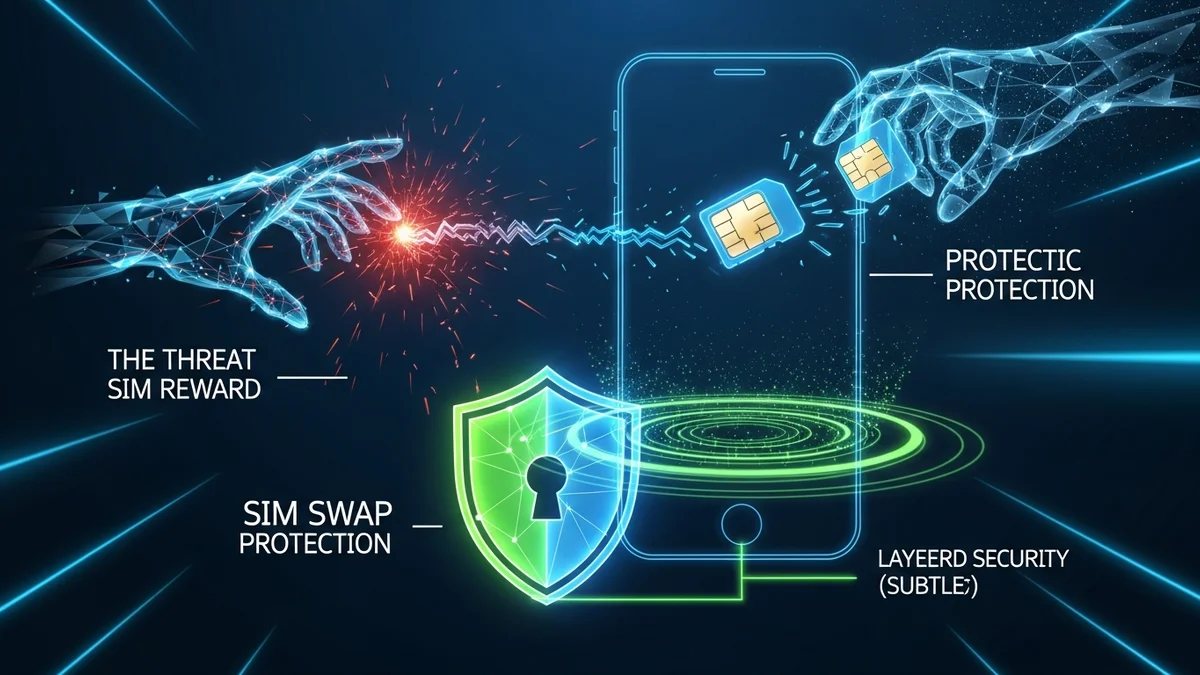
Your phone number is more powerful than you think. It’s used to reset passwords, receive two-factor authentication (2FA) codes, and verify your identity across banking, email, and social media accounts. But if a criminal takes control of your number, they can take control of your digital life.
This type of fraud is known as a SIM swap attack—and it’s becoming increasingly common. High-profile victims have lost millions in cryptocurrency, had social media accounts hijacked, and even lost access to their bank accounts.
Here’s what a SIM swap attack is, how it works, and what you can do right now to protect your phone number.
What Is a SIM Swap Attack?
A SIM swap attack (also called SIM hijacking or SIM splitting) happens when a scammer convinces your mobile carrier to transfer your phone number to a SIM card they control. Once the transfer is complete, your phone loses service—and the attacker receives your calls and text messages.
That means any account that uses SMS-based two-factor authentication can be accessed or reset by the attacker.
According to the FBI’s Internet Crime Complaint Center (IC3), SIM swap scams have caused tens of millions of dollars in losses in recent years. In 2022 alone, reported losses exceeded $72 million in the United States. Cryptocurrency holders have been especially targeted because SMS verification is often used to confirm transactions.
In one widely reported case, attackers used SIM swapping to hijack the Twitter accounts of high-profile individuals in 2020, leading to a massive Bitcoin scam.
How Does a SIM Swap Attack Work?
SIM swap attacks rely more on social engineering than technical hacking. Here’s how they typically unfold:
- Step 1: Gathering personal data. The attacker collects information about you—such as your full name, address, date of birth, or Social Security number—from data breaches, phishing emails, or social media.
- Step 2: Contacting your carrier. The scammer contacts your mobile provider, impersonates you, and claims they lost their phone or need to activate a new SIM card.
- Step 3: Convincing support. Using stolen personal information, they pass identity verification checks.
- Step 4: Number transfer. Your phone number is moved to the attacker’s SIM card, disabling your service.
- Step 5: Account takeover. The attacker resets passwords for your email, banking, and crypto accounts using SMS verification codes.
Once criminals control your email account, they can reset nearly every other account you own.
Warning Signs of a SIM Swap Attack
SIM swap attacks often happen quickly, but there are early warning signs:
- Your phone suddenly shows “No Service” or can’t make calls.
- You stop receiving text messages or 2FA codes.
- You receive notifications about password resets you didn’t request.
- Your carrier notifies you about SIM or account changes.
If your phone unexpectedly loses service for more than a few minutes, contact your carrier immediately from another phone. Speed matters—the faster you act, the less damage an attacker can do.
Why SIM Swap Attacks Are So Dangerous
Many people still rely on SMS-based two-factor authentication. While better than using a password alone, SMS is vulnerable because your phone number can be reassigned.
Once attackers control your number, they can:
- Reset your email password
- Drain bank accounts
- Access cryptocurrency wallets and exchanges
- Lock you out of social media
- Bypass security alerts
Data breaches make this easier. When companies are hacked, exposed personal information can be used to impersonate victims during carrier verification calls. That’s why monitoring your exposure is critical. Tools like LeakDefend can monitor your email addresses for breaches and alert you when your personal data appears in leaked databases—giving you time to secure your accounts before criminals exploit the information.
How to Protect Yourself From SIM Swap Fraud
The good news: you can significantly reduce your risk with a few proactive steps.
- Add a carrier PIN or port-out protection. Contact your mobile provider and request a unique PIN or passcode required for SIM changes. Some carriers offer "number lock" or "port freeze" features.
- Avoid SMS-based 2FA when possible. Use authenticator apps like Google Authenticator or Authy instead. Hardware security keys offer even stronger protection.
- Secure your email account first. Your email is the gateway to password resets. Use a strong, unique password and app-based 2FA.
- Limit personal information online. Reduce oversharing on social media, especially birthdates, addresses, and phone numbers.
- Monitor for data breaches. If your information appears in a breach, update passwords immediately and enable stronger authentication methods.
LeakDefend.com lets you check all your email addresses for free and monitor up to three addresses for breach exposure. Early alerts can help you change credentials before criminals attempt account takeovers.
What to Do If You’re a Victim
If you suspect a SIM swap attack:
- Contact your mobile carrier immediately and report fraud.
- Request that your number be restored and add stronger security to your account.
- Change passwords for your email, banking, and crypto accounts.
- Enable app-based 2FA wherever possible.
- Report the incident to the FTC (in the U.S.) or your local consumer protection authority.
Time is critical. Many financial platforms can temporarily freeze activity if notified quickly.
🔒 Check If Your Email Was Breached — Monitor up to 3 email addresses for free with LeakDefend. Start Your Free Trial →
Conclusion: Treat Your Phone Number Like a Password
Your phone number is no longer just a contact detail—it’s a master key to your digital identity. A SIM swap attack can bypass weak security setups in minutes, leading to financial loss and long-term identity theft.
By adding carrier protections, switching away from SMS-based authentication, and monitoring your exposure in data breaches, you can dramatically lower your risk. Services like LeakDefend provide early warning when your information appears in leaked databases, helping you stay one step ahead of attackers.
In today’s threat landscape, protecting your phone number is just as important as protecting your password. Take action before someone else takes control.