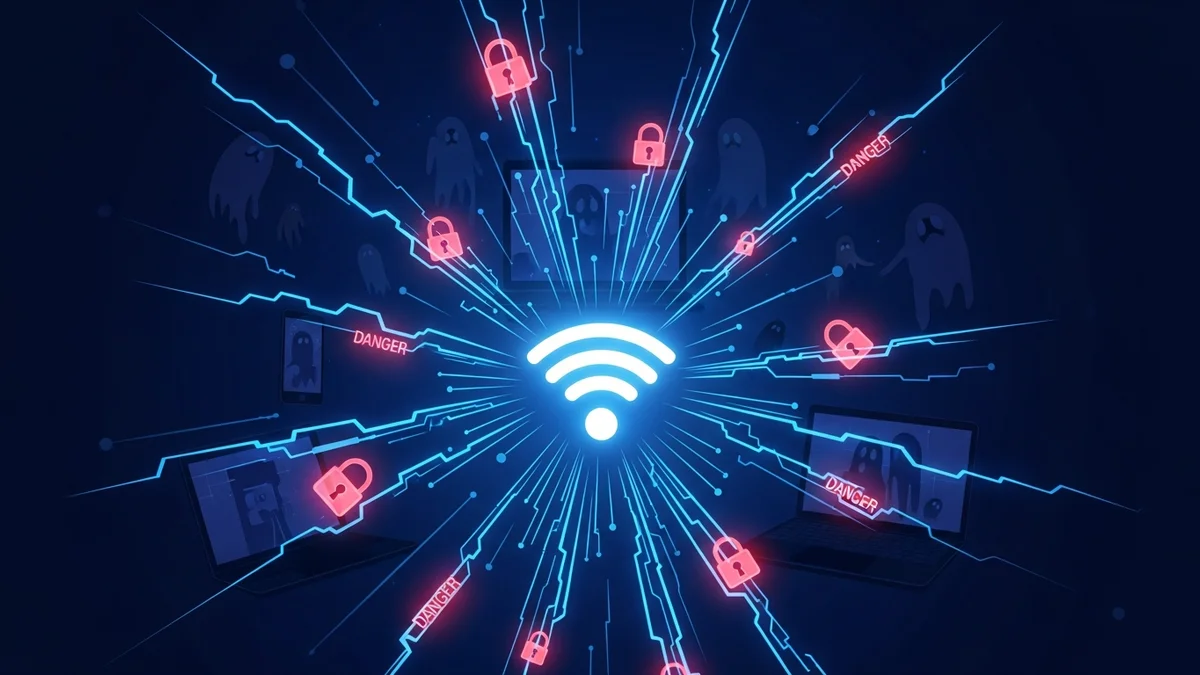
Free Wi-Fi networks are everywhere — airports, coffee shops, hotels, shopping malls, even public transportation. They’re convenient, fast, and often essential when you’re traveling or trying to save mobile data. But behind that “Free Wi-Fi” sign can hide serious cybersecurity risks.
Cybercriminals actively target public networks because they know people lower their guard when they connect. From stolen passwords to drained bank accounts, the hidden dangers of free Wi-Fi networks are far more common than most users realize. Understanding these risks is the first step toward protecting yourself.
1. Man-in-the-Middle Attacks: When Someone Is Watching Everything
One of the most common threats on free Wi-Fi networks is the Man-in-the-Middle (MITM) attack. This happens when a hacker secretly intercepts the communication between your device and the website or service you're using.
Instead of your data traveling directly to its destination, it passes through the attacker’s system first. That means they can see:
- Login credentials
- Emails and messages
- Credit card details
- Personal documents
Even worse, some attackers inject malicious code into legitimate websites, redirecting you to fake login pages without you realizing it.
According to cybersecurity reports, public Wi-Fi environments remain a top target for credential harvesting attacks, especially in airports and hotels where users frequently access banking or corporate accounts.
2. Fake Wi-Fi Hotspots (Evil Twin Attacks)
Not all free Wi-Fi networks are real. Cybercriminals often create rogue hotspots designed to look legitimate. This tactic is known as an “Evil Twin” attack.
For example, you might see two networks in a café:
- CoffeeShop_Guest
- CoffeeShop_Free_WiFi
One is legitimate. The other is controlled by a hacker.
Once you connect to the fake network, the attacker can monitor your activity, steal login credentials, or distribute malware. Because the network name looks authentic, many users never question it.
The FBI has repeatedly warned travelers about fake airport Wi-Fi networks designed specifically to harvest personal and financial data.
3. Unencrypted Connections Expose Sensitive Data
Not all websites use strong encryption, and not all apps secure your data properly. On unsecured free Wi-Fi networks, data transmitted without encryption can be captured easily using widely available hacking tools.
While HTTPS has become standard for most reputable websites, users still access:
- Outdated web portals
- Legacy business systems
- Unsecured IoT apps
- File-sharing services
In these cases, login credentials and session cookies can be exposed. Attackers can even hijack active sessions without needing your password.
This is particularly dangerous for email accounts. Once compromised, an email account becomes a gateway to password resets for banking, social media, shopping, and subscription services.
If your email address is exposed through a breach or intercepted login, tools like LeakDefend can monitor whether it appears in known data breaches and alert you quickly.
4. Malware Distribution Over Public Networks
Free Wi-Fi networks can also be used to distribute malware. Attackers may exploit vulnerabilities in your device’s operating system, browser, or apps.
Common tactics include:
- Drive-by downloads
- Fake software update prompts
- Malicious pop-up ads
- Compromised file-sharing transfers
Once malware is installed, it can log keystrokes, access your camera, steal stored passwords, or turn your device into part of a botnet.
Public networks significantly increase exposure because you are sharing infrastructure with dozens — sometimes hundreds — of unknown users.
5. Identity Theft and Account Takeovers
The ultimate goal of many public Wi-Fi attacks is identity theft. Stolen credentials are often sold on dark web marketplaces, bundled into massive data leak collections.
Major breaches over the past decade — including Yahoo (3 billion accounts), Marriott (500 million guests), and Equifax (147 million individuals) — demonstrate how valuable personal data is to cybercriminals.
But not all leaks come from large corporations. Many originate from small businesses, unsecured logins, or compromised personal devices on unsafe networks.
Once criminals gain access to your email or reuse passwords from breached accounts, they can:
- Reset passwords on financial accounts
- Open new credit lines
- Steal subscription accounts
- Impersonate you in phishing campaigns
This is why proactive monitoring matters. LeakDefend.com lets you check all your email addresses for free and monitor them continuously for exposure in new data breaches.
How to Protect Yourself on Free Wi-Fi Networks
You don’t have to avoid public Wi-Fi entirely — but you should use it strategically.
- Verify the network name with staff before connecting.
- Use a VPN to encrypt your internet traffic.
- Avoid accessing banking or sensitive accounts on public networks.
- Enable two-factor authentication (2FA) on all important accounts.
- Turn off automatic Wi-Fi connections on your device.
- Keep your system and apps updated to patch vulnerabilities.
Even with precautions, no public network is 100% safe. That’s why monitoring your digital footprint is essential. If your credentials are ever exposed — whether through a compromised Wi-Fi session or a third-party data breach — early detection can prevent serious damage.
🔒 Check If Your Email Was Breached — Monitor up to 3 email addresses for free with LeakDefend. Start Your Free Trial →
Convenience Shouldn’t Cost You Your Privacy
Free Wi-Fi networks offer convenience, but they also create opportunities for surveillance, credential theft, malware infection, and identity fraud. Cybercriminals actively seek out public environments because users are distracted, rushed, and less cautious.
The good news is that awareness dramatically reduces risk. By verifying networks, encrypting your connection, strengthening authentication, and monitoring your email addresses for breaches with services like LeakDefend, you can enjoy connectivity without exposing your digital life.
In cybersecurity, prevention is always cheaper — and far less stressful — than recovery. The next time you see a “Free Wi-Fi” sign, think twice before clicking connect.